Application View Modes
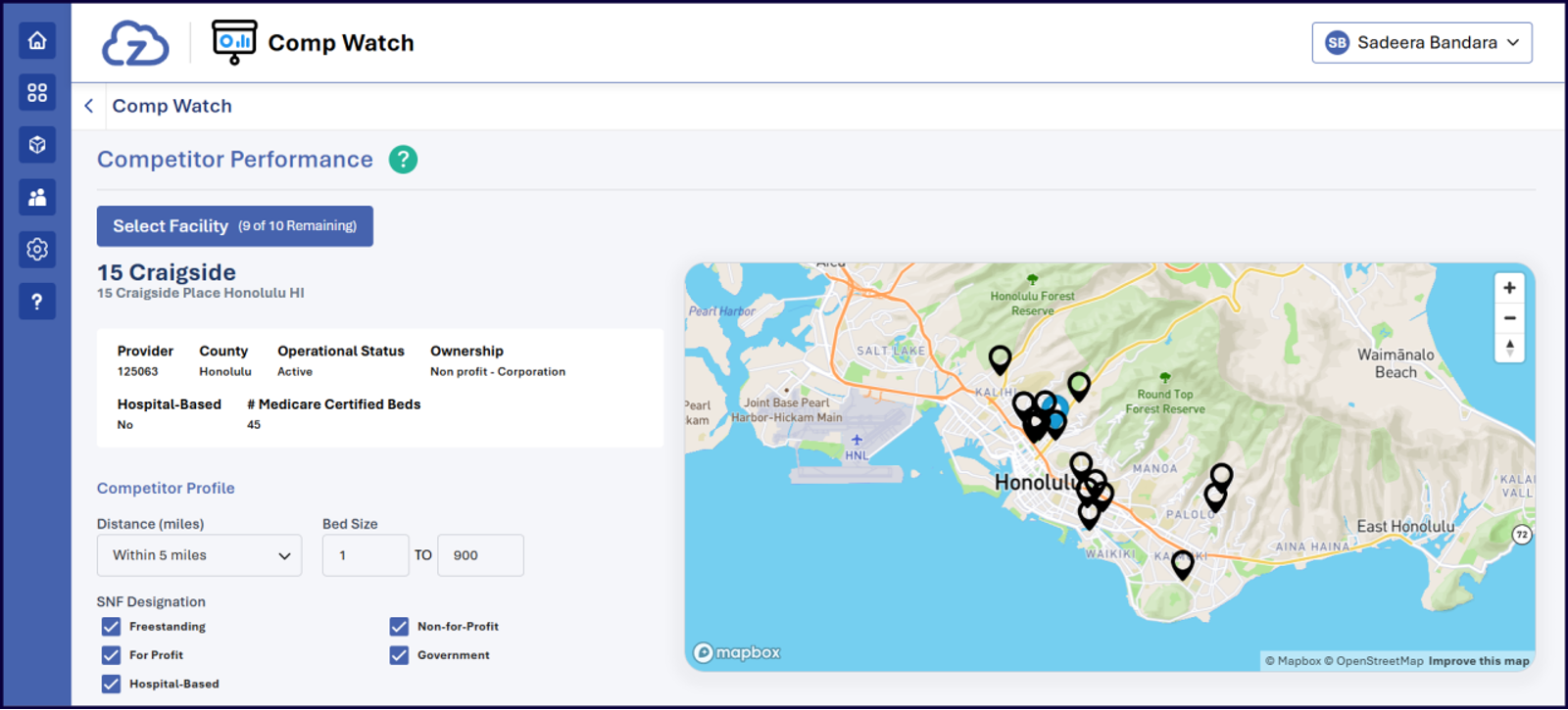
Within the myzPAX Portal, applications can be presented to end users in two distinct modes: Tile View and Full View.
Tile View
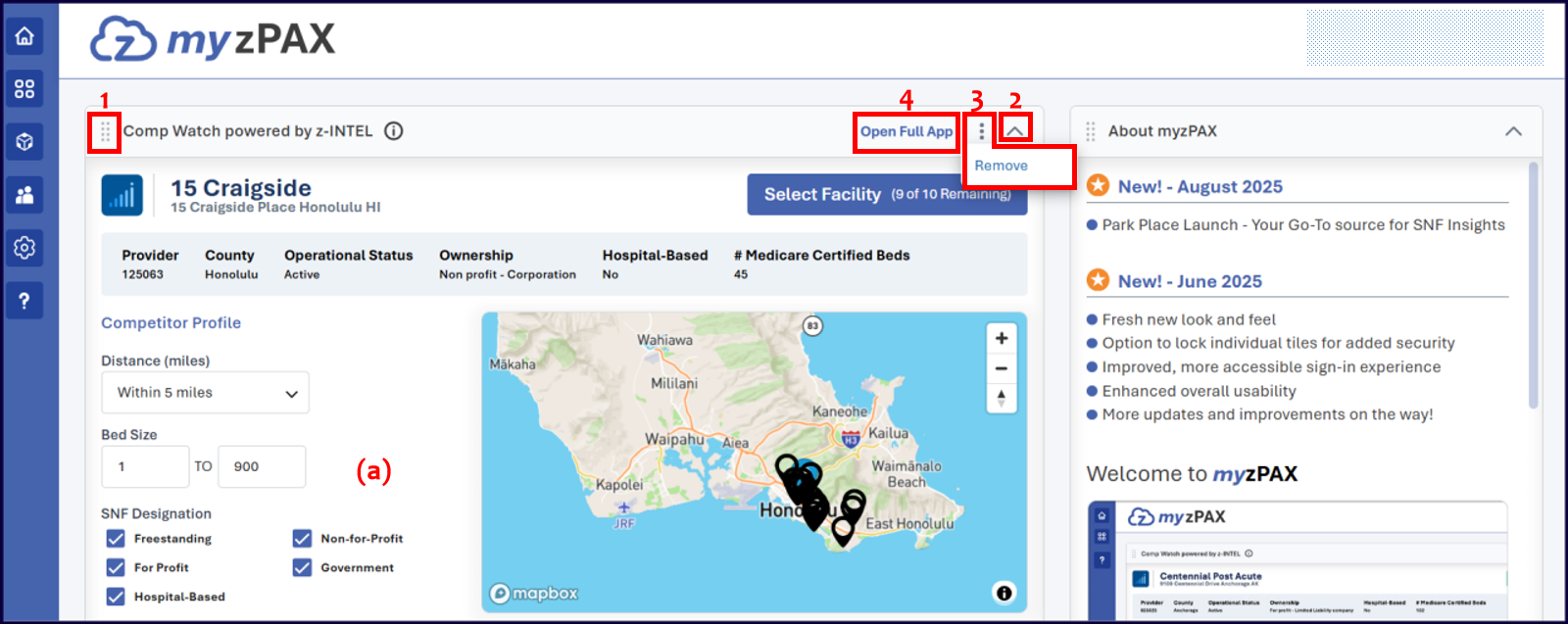
The Tile View presents a condensed version of an application. Developers use this mode to display a summarized interface containing selected functionalities from the full application.
End users can interact with tiles in the following ways:
-
Drag and Move: Users can drag and reposition tiles within their designated column.
Tiles in the left column can only be moved within the left column, and tiles in the right column can only be moved within the right column. -
Expand and Collapse: Expands or collapses a tile to adjust its displayed content area.
-
Remove: Removes the selected application tile from the dashboard and places it in the App Tray.
-
Full View Mode: Opens the complete version of the application within the z-PAX banner.
Full View
The Full View mode provides access to the complete version of the application. In this mode, users can interact with all available features and functionalities without the layout or feature limitations of the Tile View