
Authentication - Client Credentials Flow
z-Pax APIs are designed to meet REST standards and can be accessed using standard HTTP verbs: GET and POST.
This guide illustrates the client authentication process required to access resource server APIs.
Prerequisites for Access
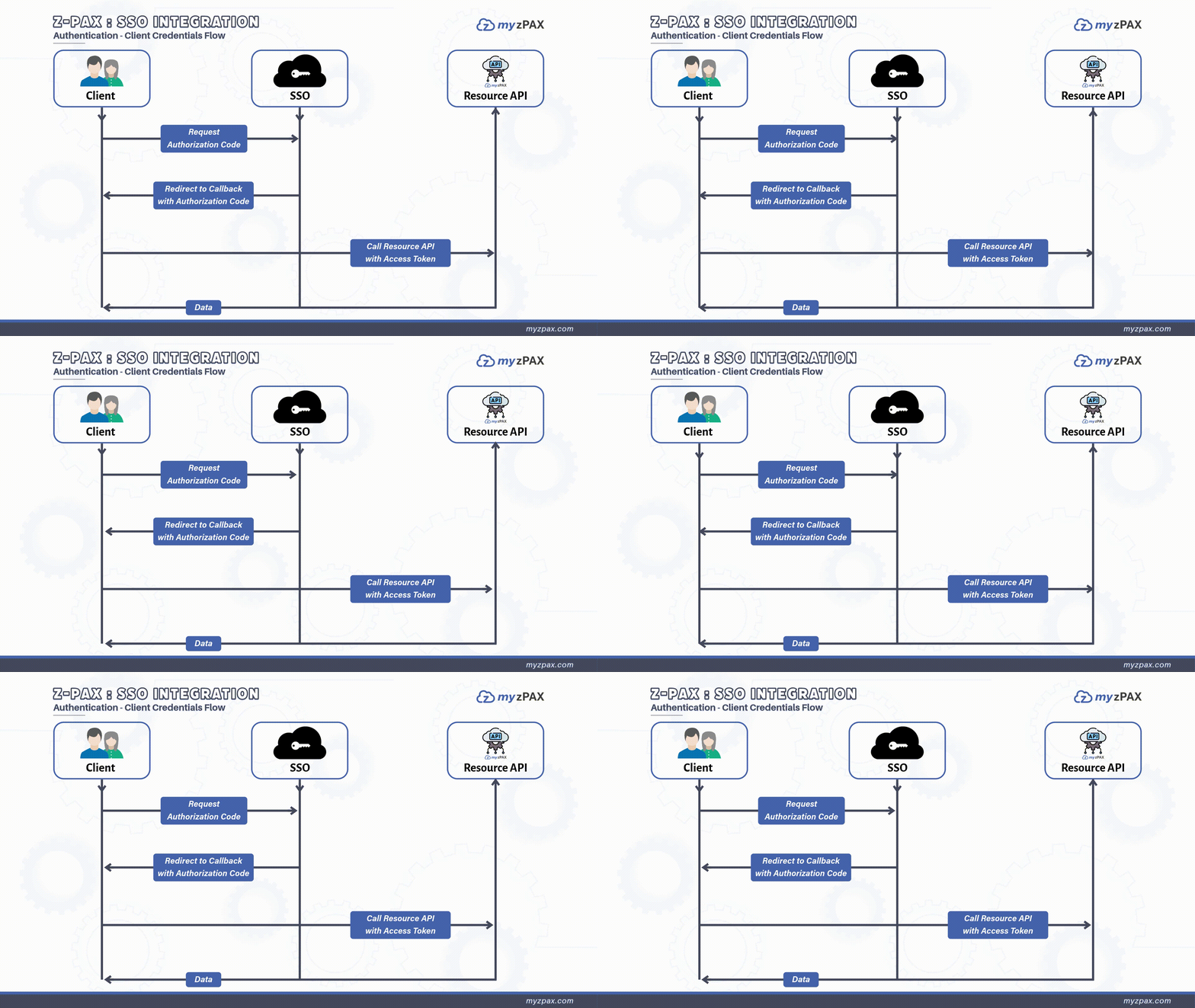
To access data from z-Pax Resource APIs, clients must be registered with the z-Pax SSO system and have the following credentials:
- Client ID: A unique identifier for your application (e.g.,
your-client-id). - Client Secret: A secret string used to authenticate your application with the authentication server.
- Scope: The access level or permissions required for the resource server. Each z-Pax resource server may have different scope requirements, which need to be registered properly.
To request your Client ID and Client Secret, send an email to the myzPAX team.
Requesting an Access Token
To request an access token, make a call to the Token Endpoint using client_id, client_secret, and scope (multiple values separated by spaces). Set grant_type to client_credentials. Upon validation of the client credentials and scope, the z-PAX authentication server issues an access token with its type and expiry.
Optional: If you need a refresh token, include the scope offline_access in the call.
The access token contains the following fields:
| Claim | Description |
|---|---|
aud | Identifiers of the resource server(s) accessible with the token. |
client_id | The ID of the client for which the token was generated. |
sub | This field matches the client_id. |
exp | Token expiration time. |
iat | Time of token issuance. |
scope | Scopes granted to the access token. |
iss | The domain of the authority that generated the access token. |
jti | A unique identifier for the token. |
Token Expiration Times
- Access Token Timeout: 20 minutes (default)
- Refresh Token Timeout: 60 minutes (default)
To adjust token timeout durations, please contact z-Pax support.
Accessing Resource Servers with an Access Token
The client must include the access token in the Authorization header when accessing authorized Resource APIs. Use the following format:
Authorization: Bearer <your-token>